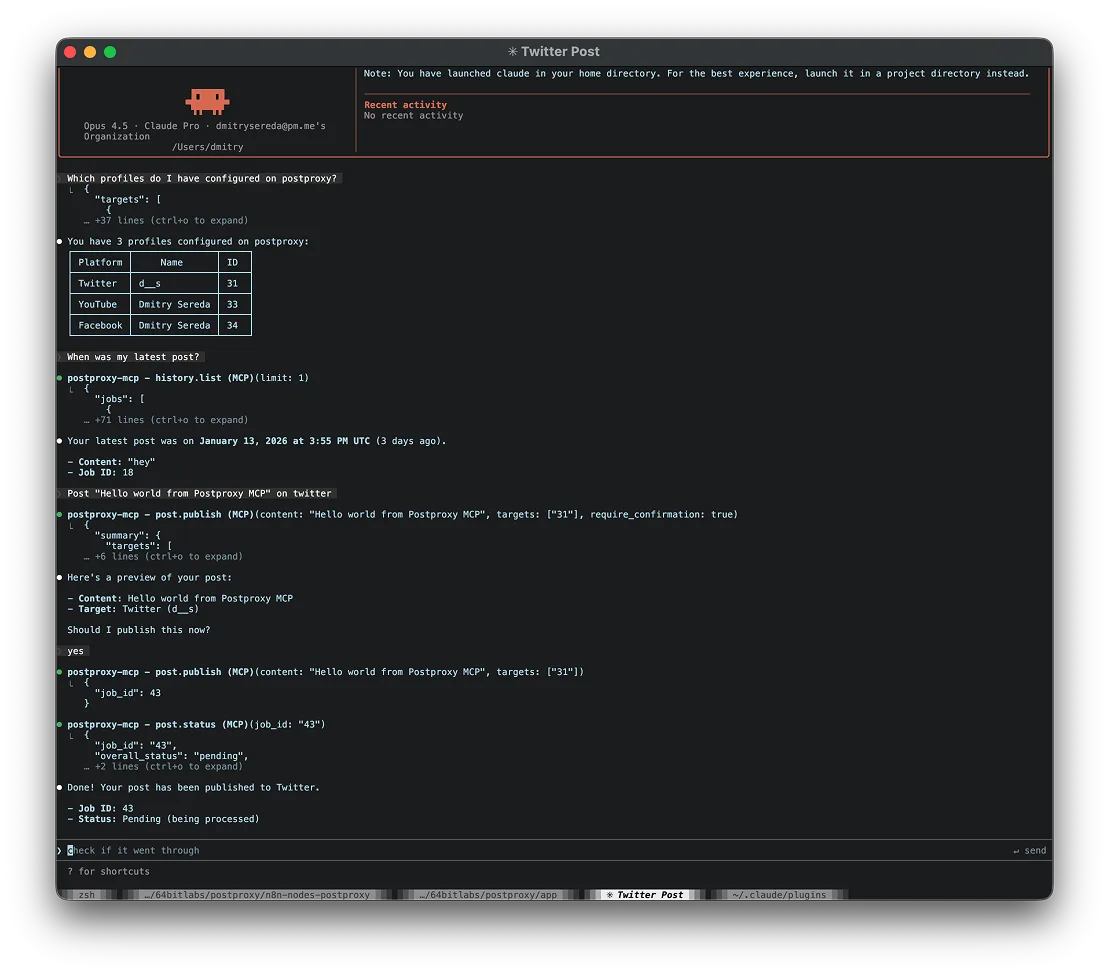

No API key — just sign in
Add to Claude or ChatGPT
In Claude, add Postproxy straight from the connector directory. In ChatGPT, paste the connector URL. Either way you just sign in with your Postproxy account — nothing to install and no API key to copy.
Connector URL (ChatGPT & other clients)
https://mcp.postproxy.dev/mcpClaude — Desktop, web & mobile
- Open the Postproxy connector page in the Claude directory.
- Click Connect and sign in with Postproxy to authorize.
- Ask Claude: “Connect my Instagram account” — it returns a link to link the profile.
No custom connector setup needed. Claude Code uses the API-key setup below instead.
ChatGPT
- Open Settings → Apps, then enable developer apps in advanced settings.
- Add a new app and paste the connector URL above as the MCP server.
- Sign in with Postproxy when prompted to authorize.
Requires developer apps to be enabled in ChatGPT's advanced settings.
Also published in the official MCP registry as dev.postproxy/postproxy — registry-aware clients can discover and add it directly.